

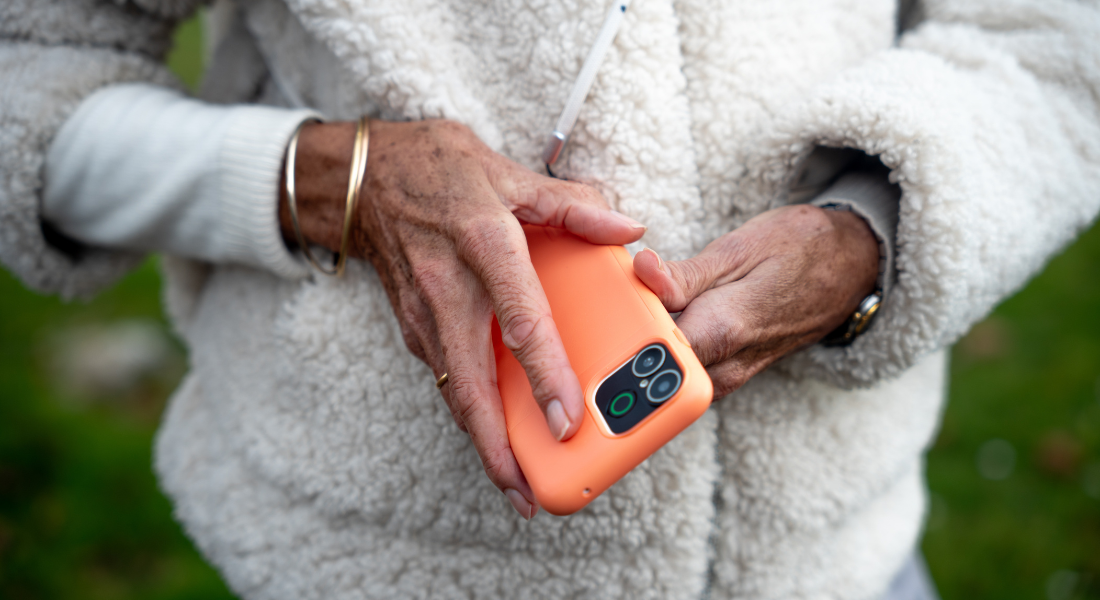
The strap included with your Doro Aurora protective case can be used for shoulder, neck or wrist carry.
This step-by-step video shows you how to attach the strap to the case, fit your phone and adjust the strap to suit your needs.
Before you begin
- Remove the strap and protective case from the packaging.
- Place all strap parts on a flat surface so they are easy to see.
- Make sure the screw fasteners and connector clip are secure before use.
- Keep any unused strap parts in a safe place.
Attach the strap to the case
- Find the screw fasteners on the strap and unscrew both of them.
- Set the long strap aside.
- Remove the connector clip from one side of the short strap.
- Thread the loop of one short strap through both holes on one corner of the case.
- Open the loop and pass the short strap through it. Pull gently to secure it.
- Repeat the same steps on the other corner of the case.
- Join the two short straps using the connector clip.
- Attach the long strap to the short straps using the screw fasteners.
Fit your phone into the case
- Place the bottom of your Doro Aurora into the protective case first.
- Press the top corners into place until the phone is securely fitted.
- Check that the phone and strap connections are secure before carrying it.
Choose how to carry your phone
With the long strap attached, you can carry your Doro Aurora over your shoulder or around your neck.
Use the strap for wrist carry
- Unscrew the fasteners that connect the long strap.
- Remove the long strap and store it safely.
- Connect the screw fasteners on the two short straps securely.
- Use the connector clip to tighten the strap around your wrist.
What to do next
Adjust the strap to a comfortable length and check all clips, loops and fasteners before carrying your phone.
Share:
How to Apply a Doro Aurora Screen Protector
How to Customise the Doro Easy Interface Home Screen